-15%
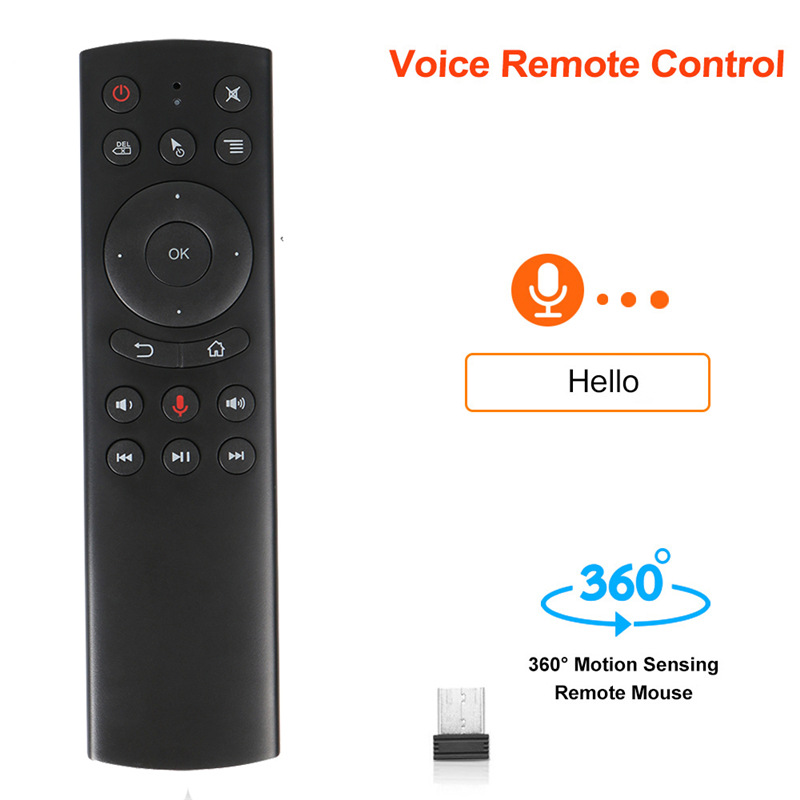
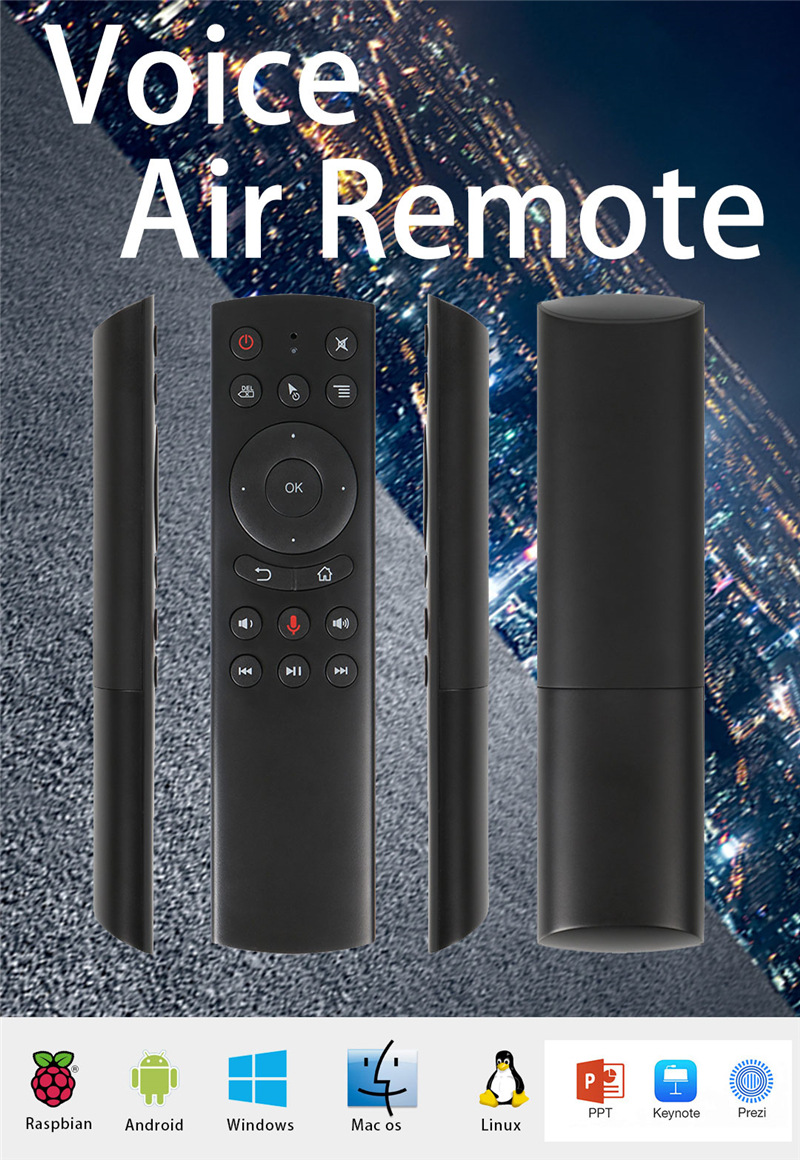
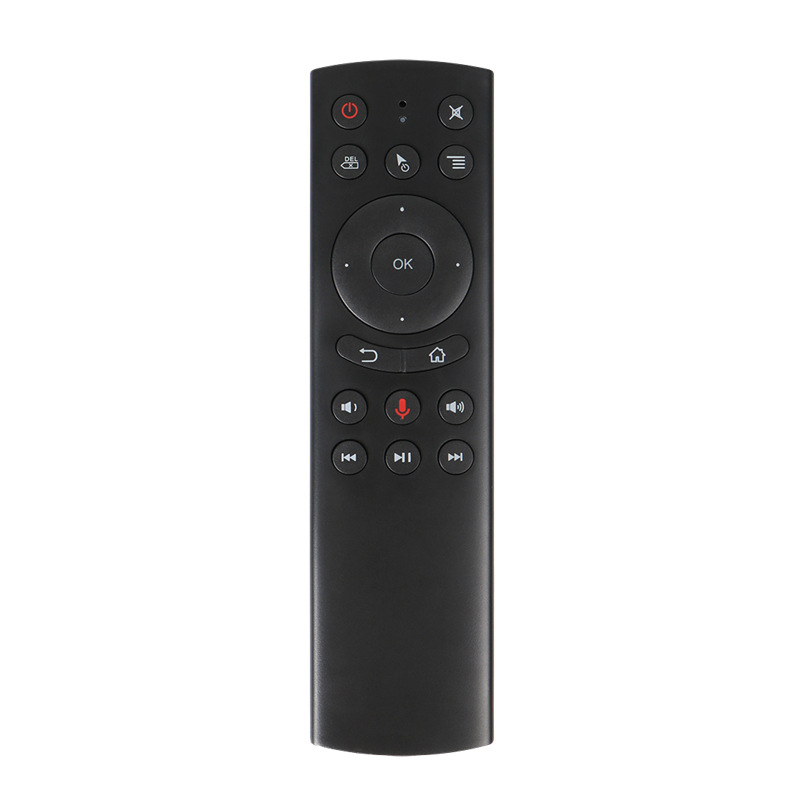
G20 flying mouse 2.4G wireless voice remote control
$4.62
$5.31Save 15%
Price in USD · Worldwide shipping available
Options— Default
🚚
Worldwide Shipping
No shipping methods available
🔒Secure & encrypted payment
✅ Genuine Product🔒 Secure Payment📞 24/7 Support🌍 Worldwide Shipping
Product Description
Product Information:
"FlyMouse" As the name implies: a mouse that can "fly" in the air. Also known as the air mouse, the empty mouse, the flying mouse (Air mouse)
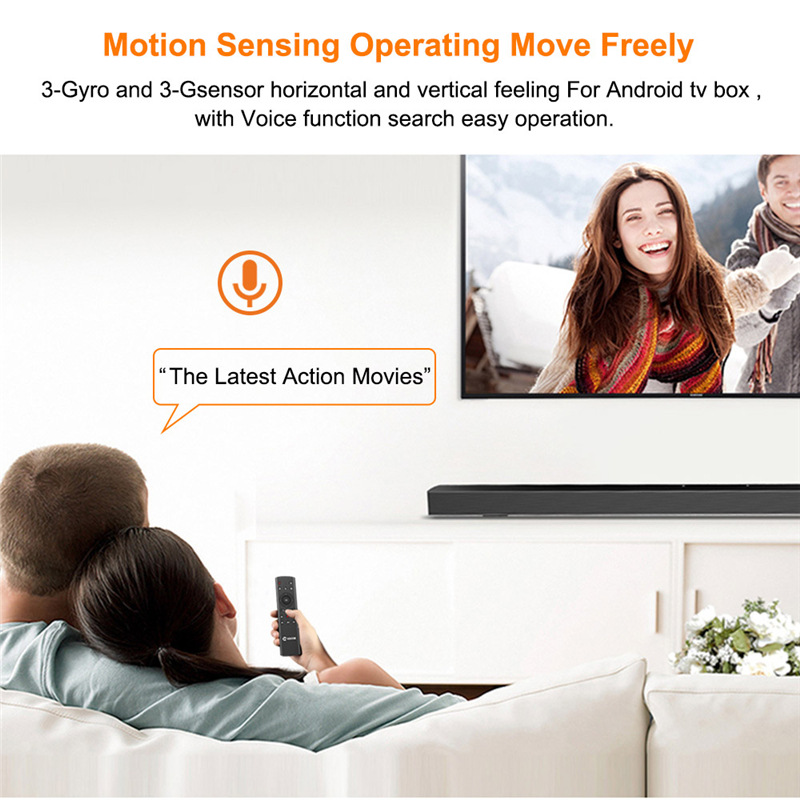
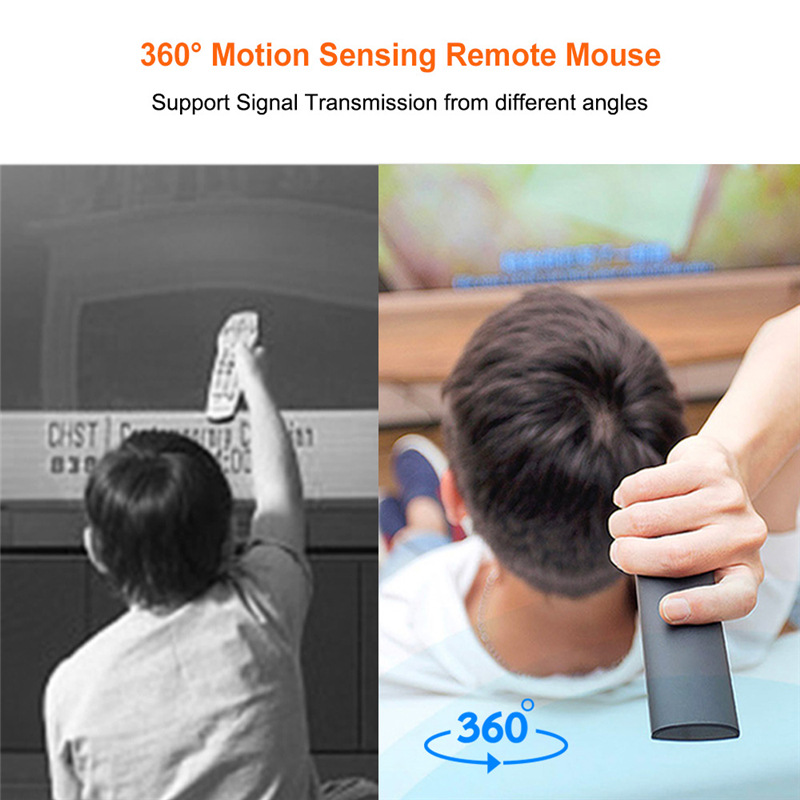
Because the flying squirrel has a built-in "gyro", it can sense the "direction" and "change in speed". By simply waving the mouse in the air, you can precisely control the cursor movement of computers, Android players and other electronic products without the need for a traditional keyboard. And the mouse, greatly liberated the hands, increased the fun of use! With it, you can also control computer equipment, play somatosensory games, surf the Internet, chat with friends while sitting on the sofa.
Product specifications
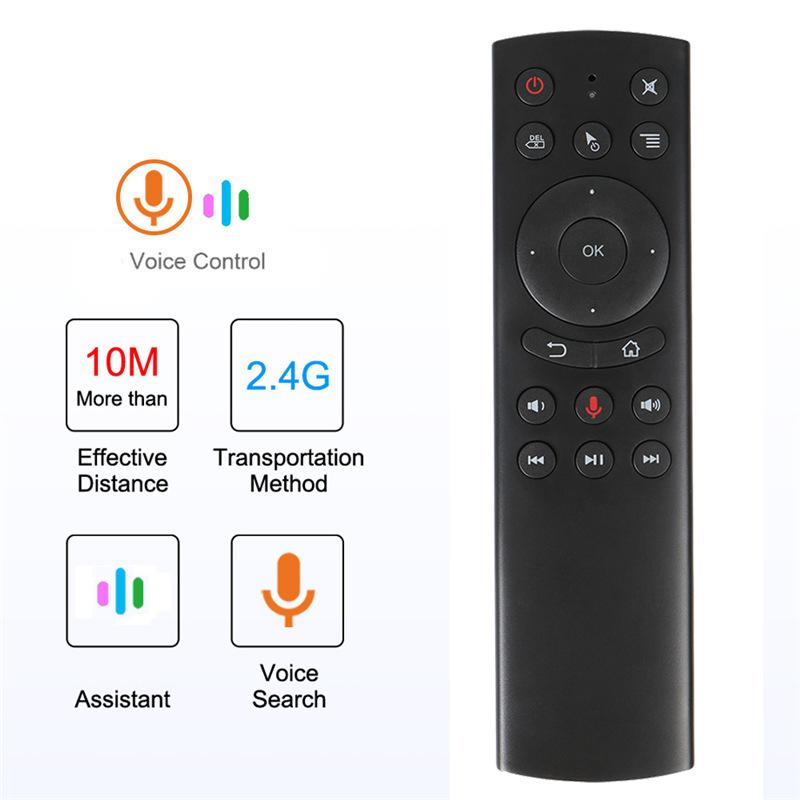
Transmission method: 2.4G wireless
Sensor: 6-axis gyroscope
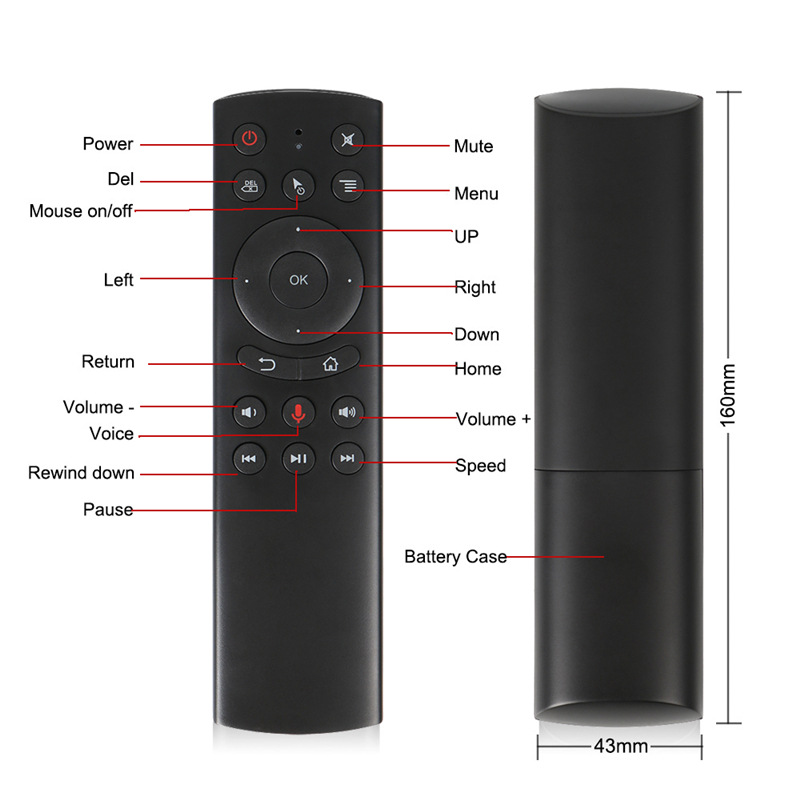
Number of buttons: 18
Transmission distance: 10M
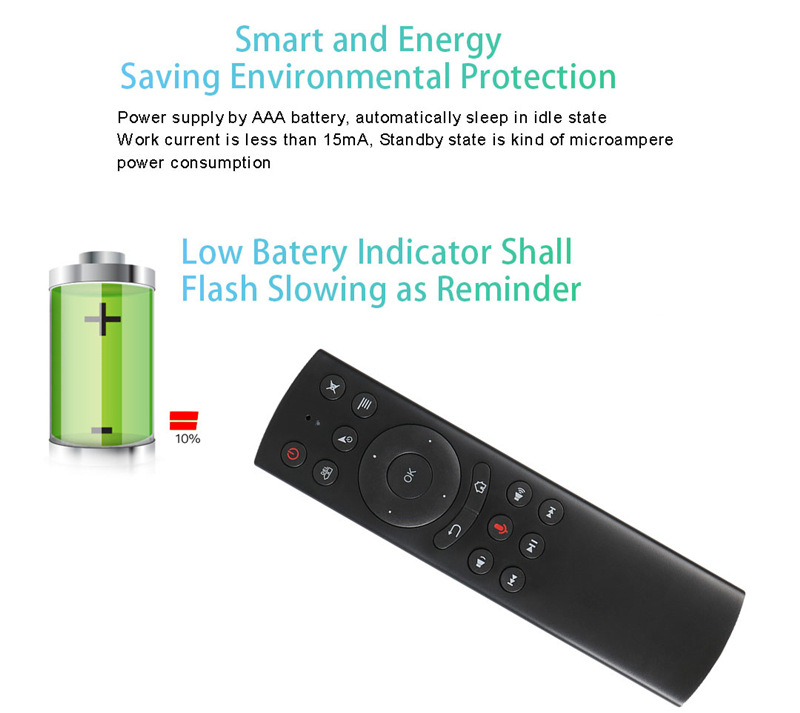
Type of battery : AAA*2
Product material: ABS plastic + silicone button
Product size: 160*45*20MM
how to use:
Plug in the USB receiver on the USB port of the device being operated,
For the first time, wait 20-60 seconds until the USB receiver driver is installed successfully. When you mouse over, the cursor moves across the screen, meaning the pairing is successful.
If the pairing is not successful, first press and hold the “0K” button.
Then press the "Back" button and the red indicator light starts to flash. When the red indicator stops flashing, the pairing is successful.