-15%
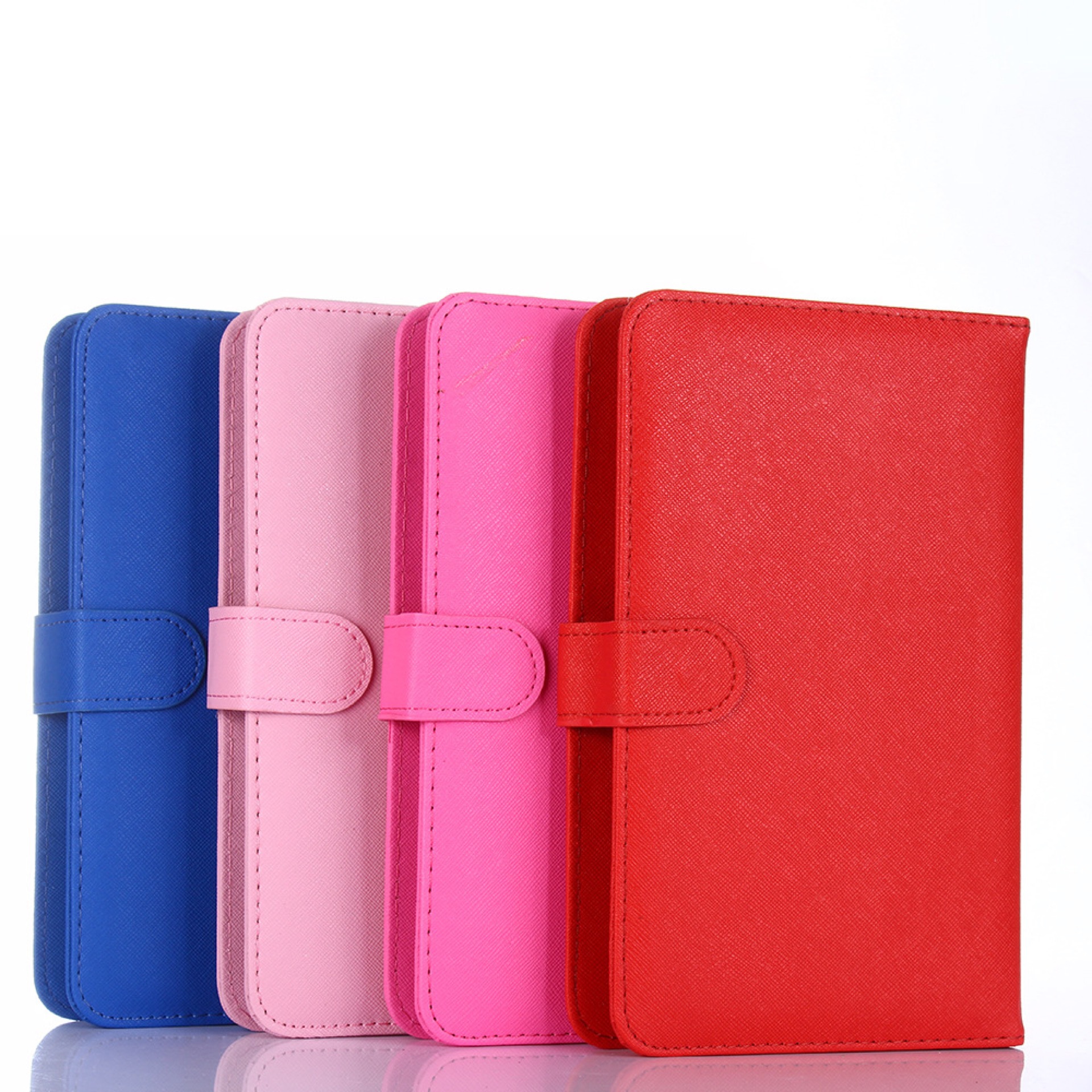
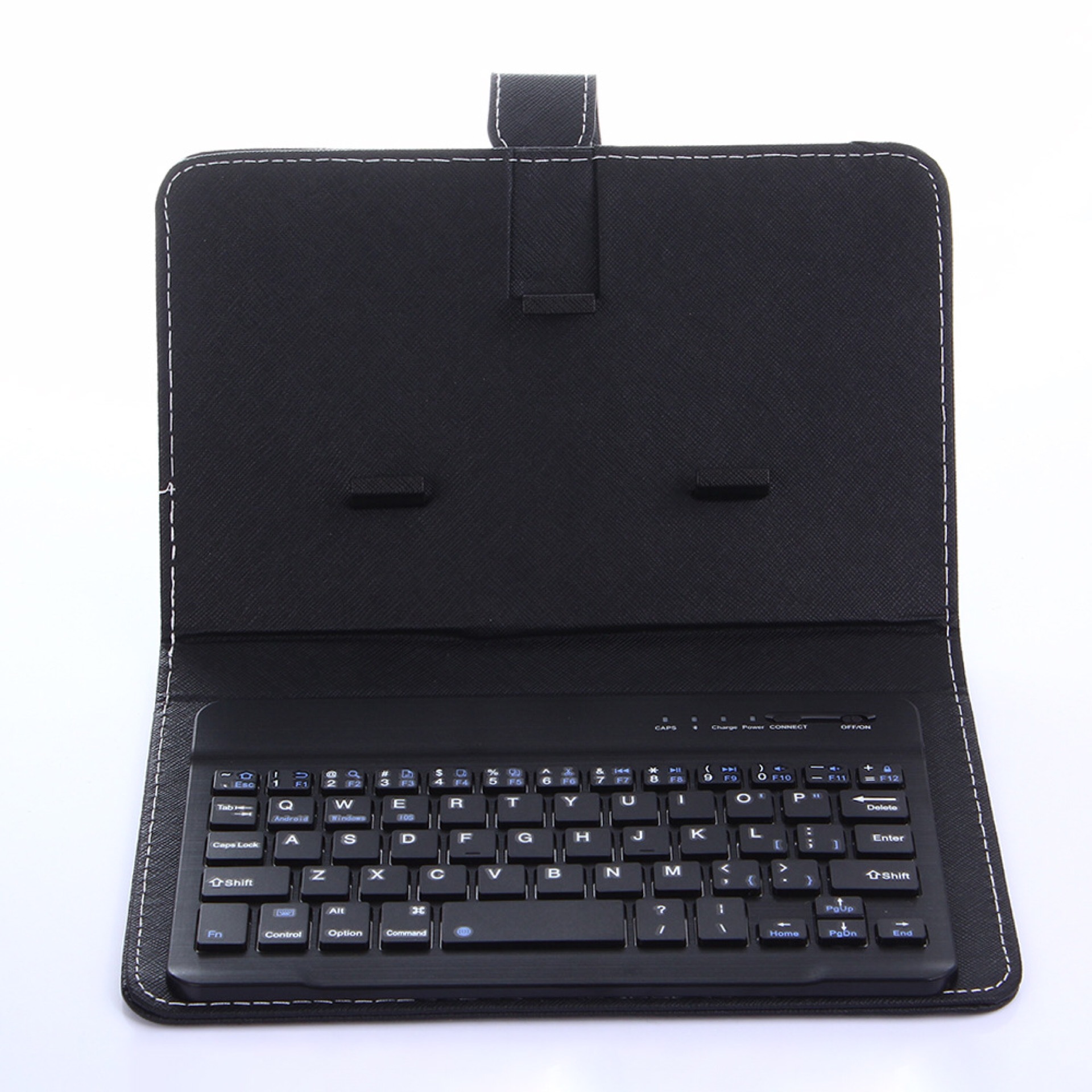
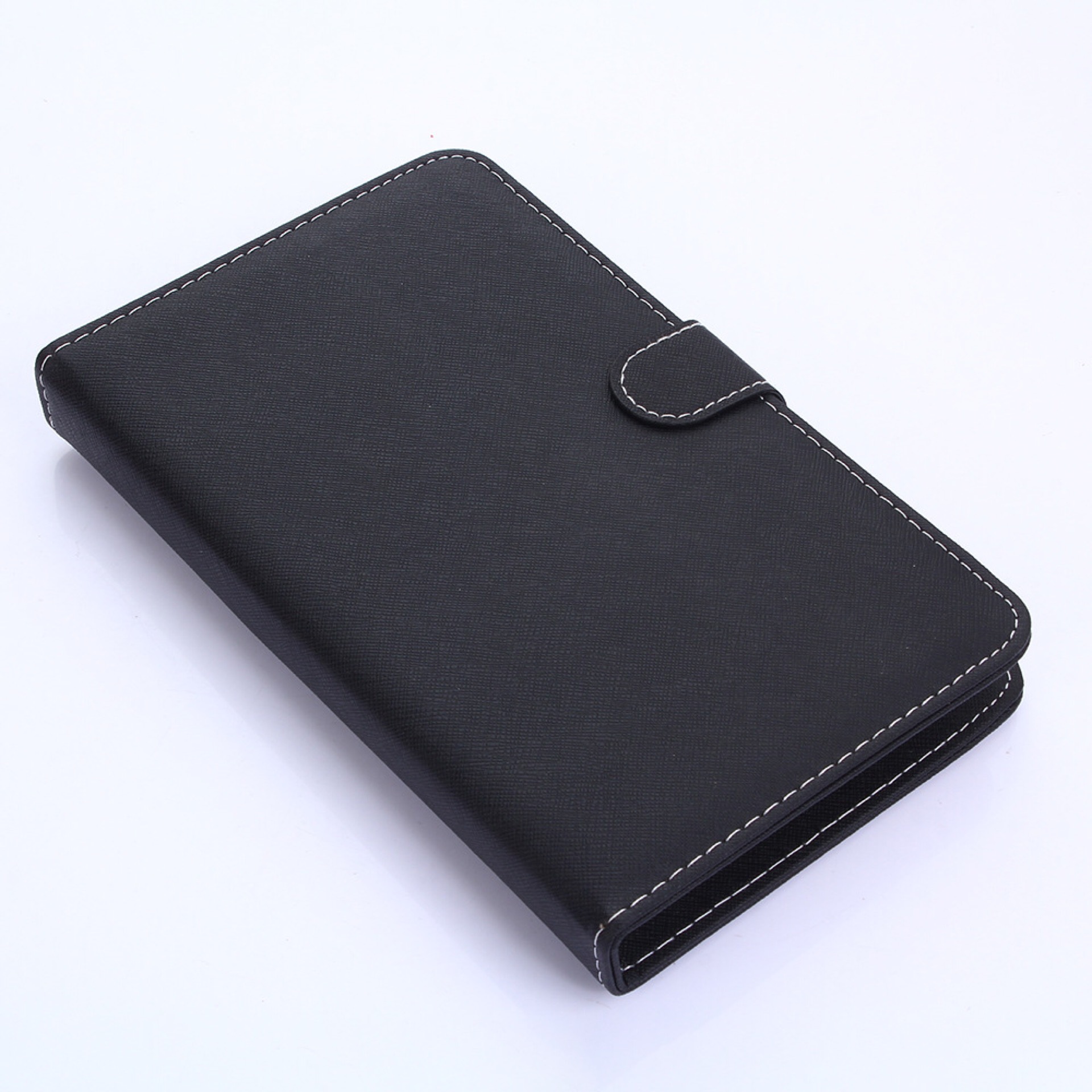
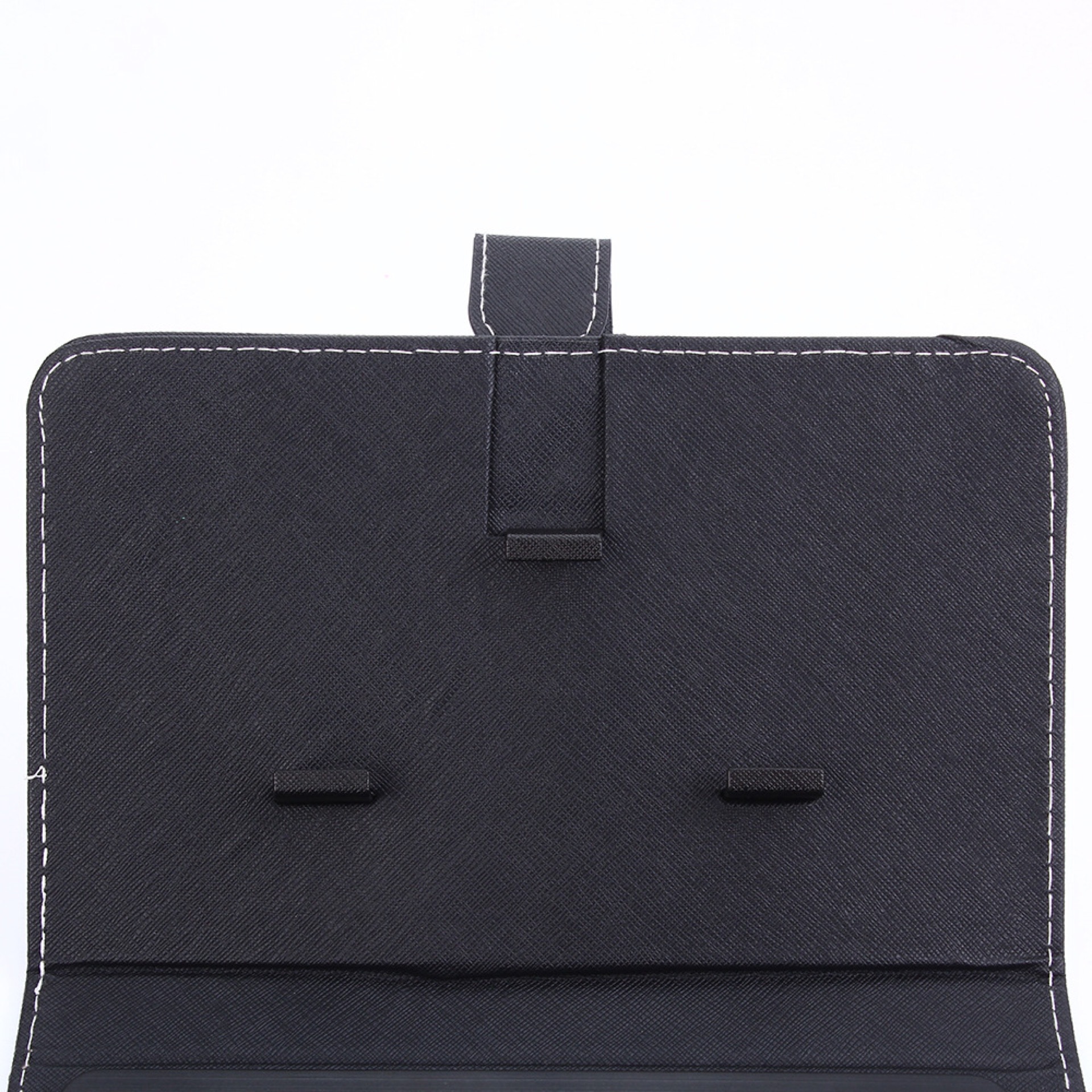
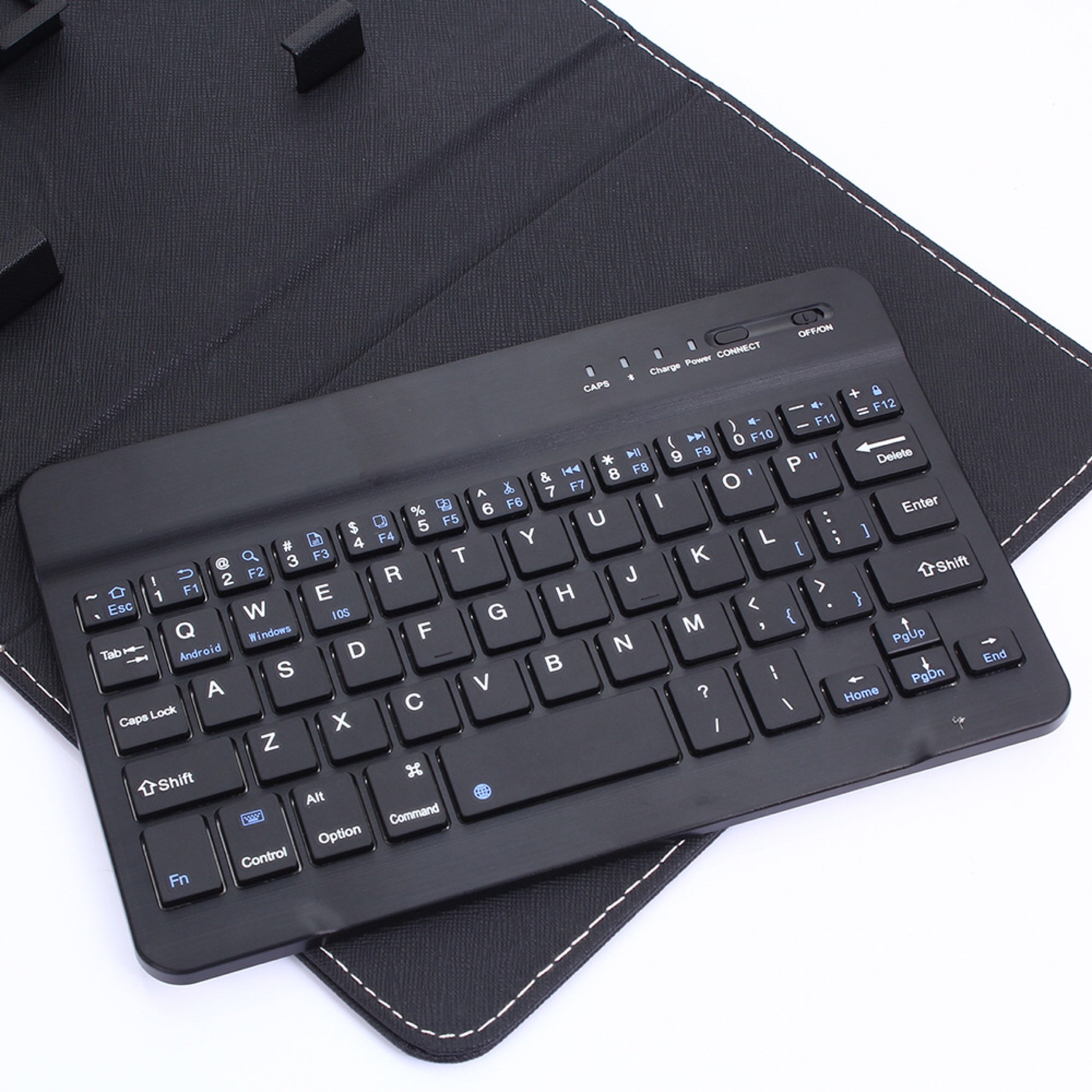
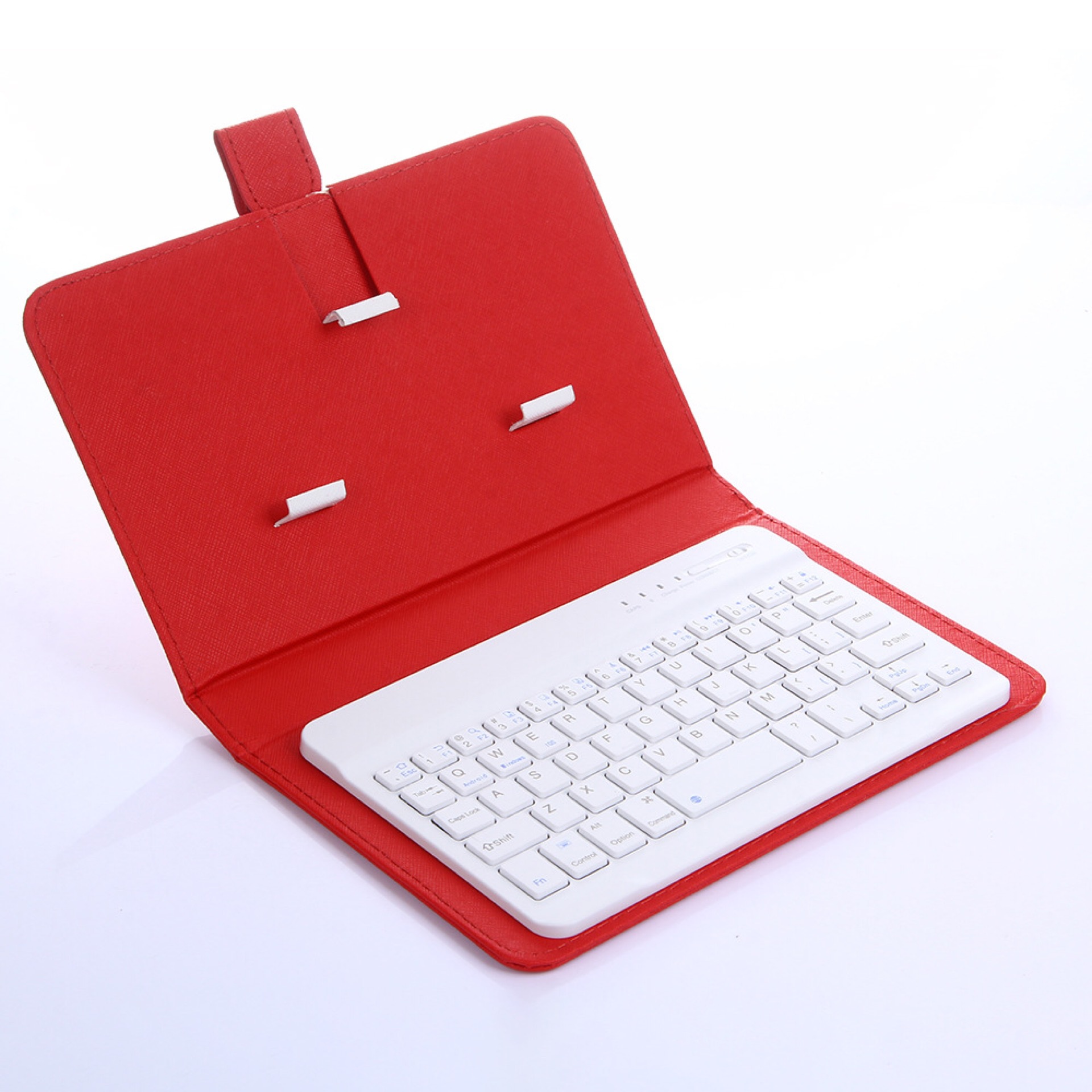
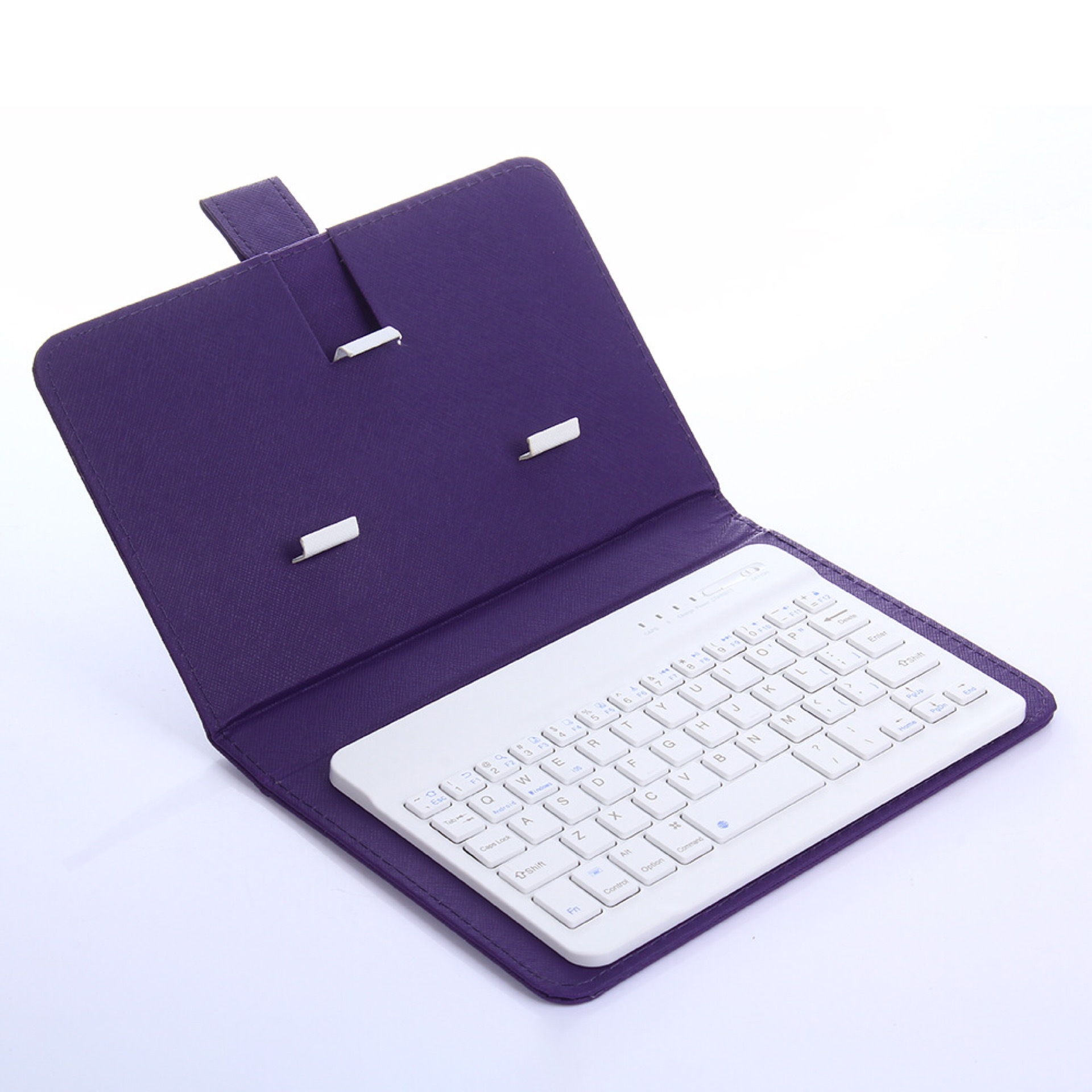
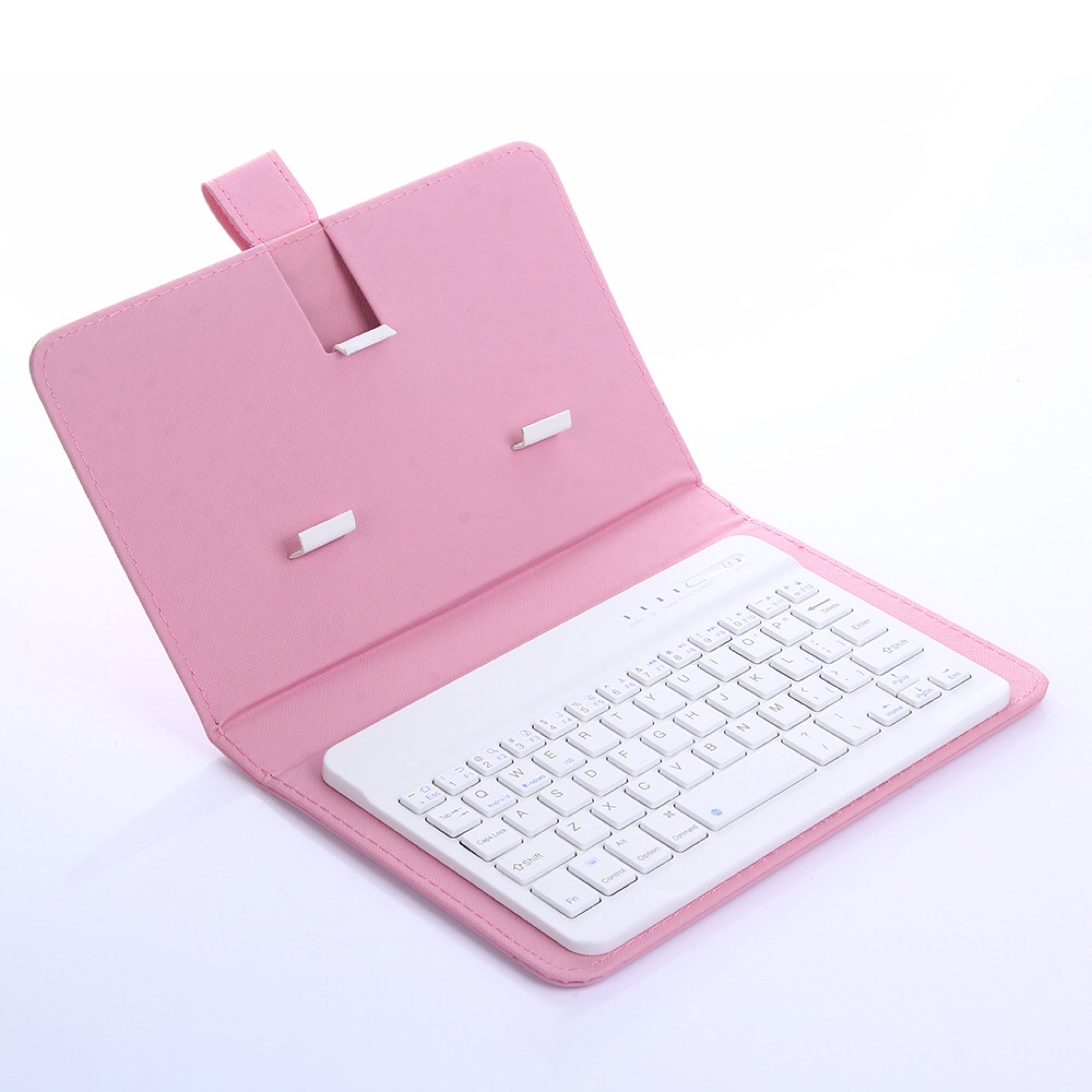
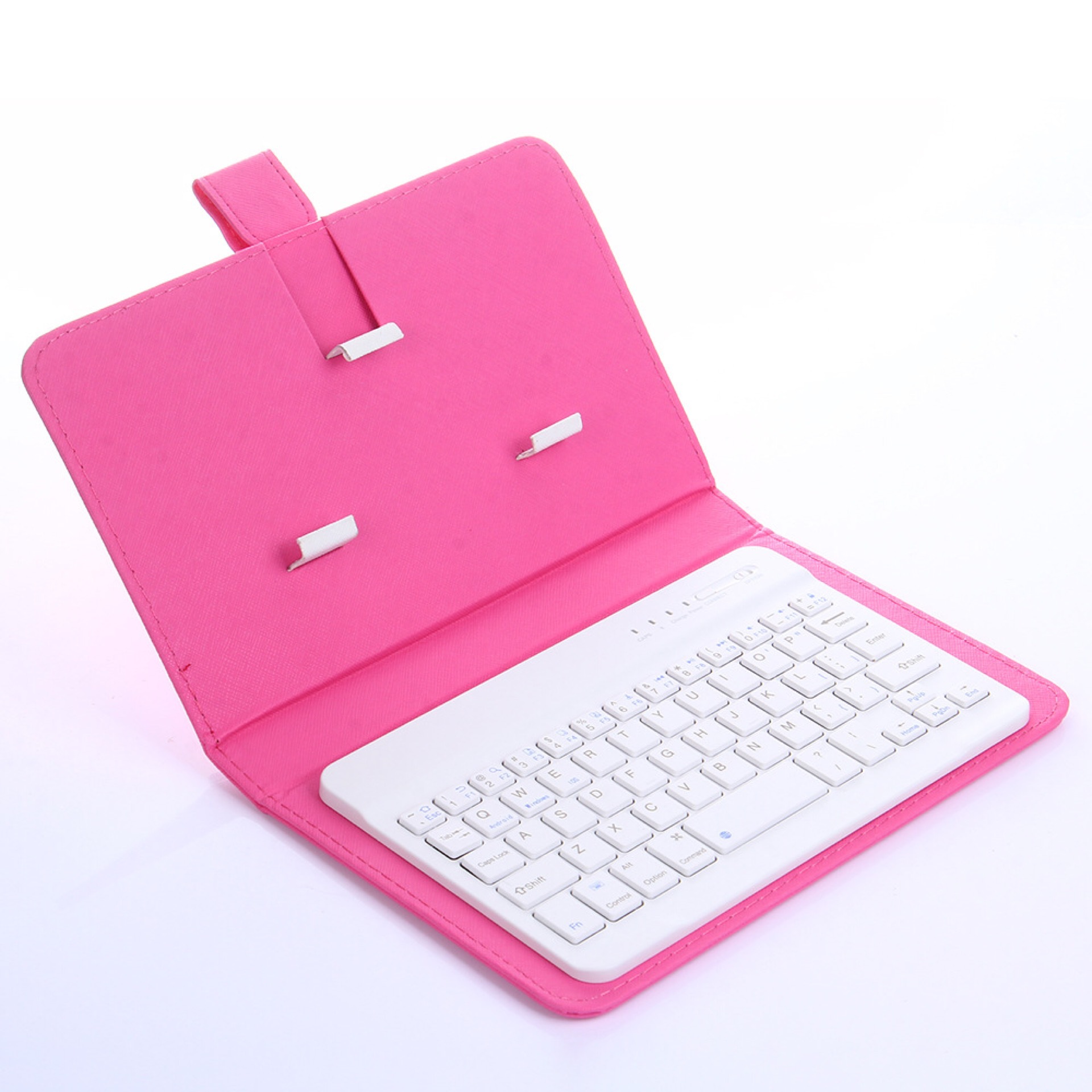
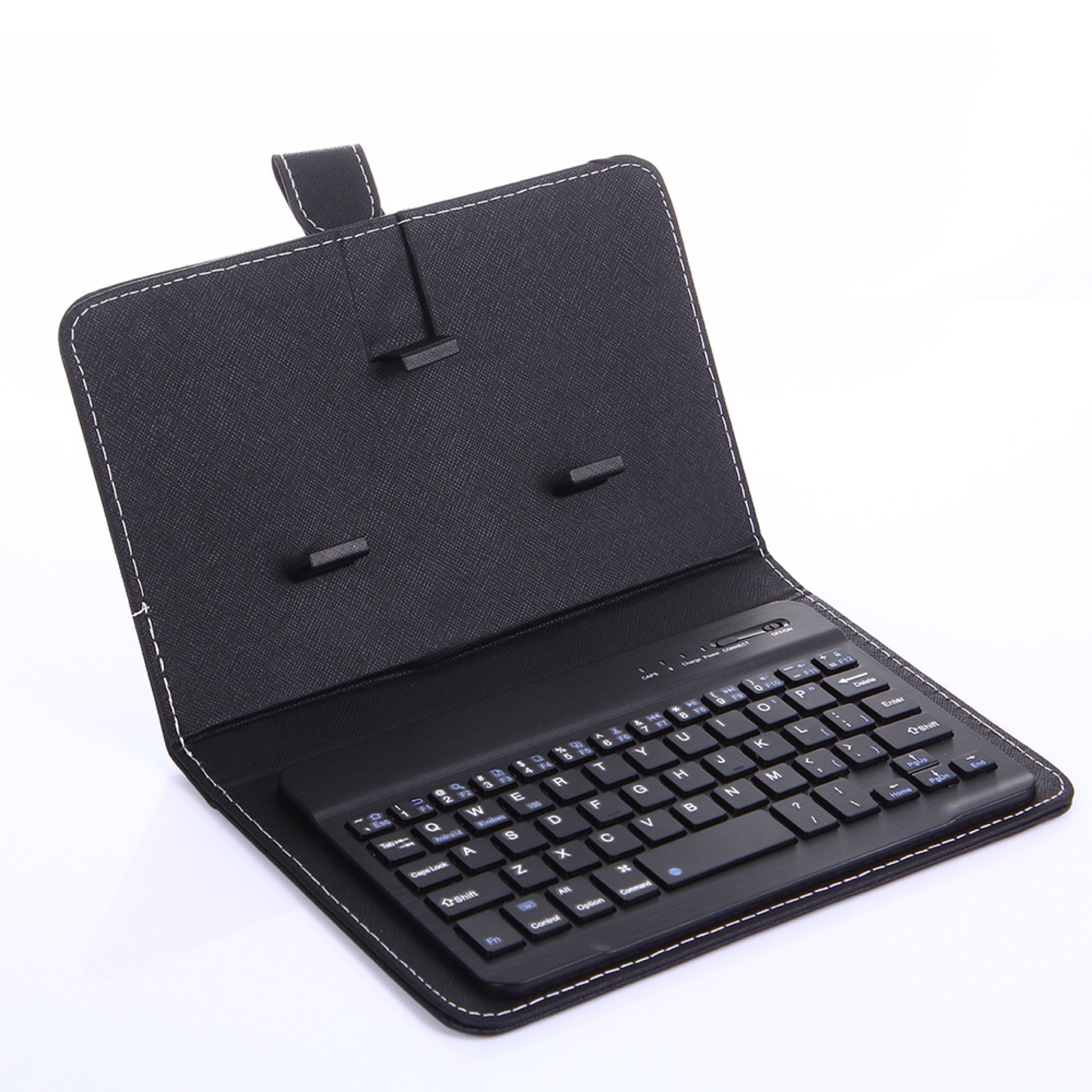
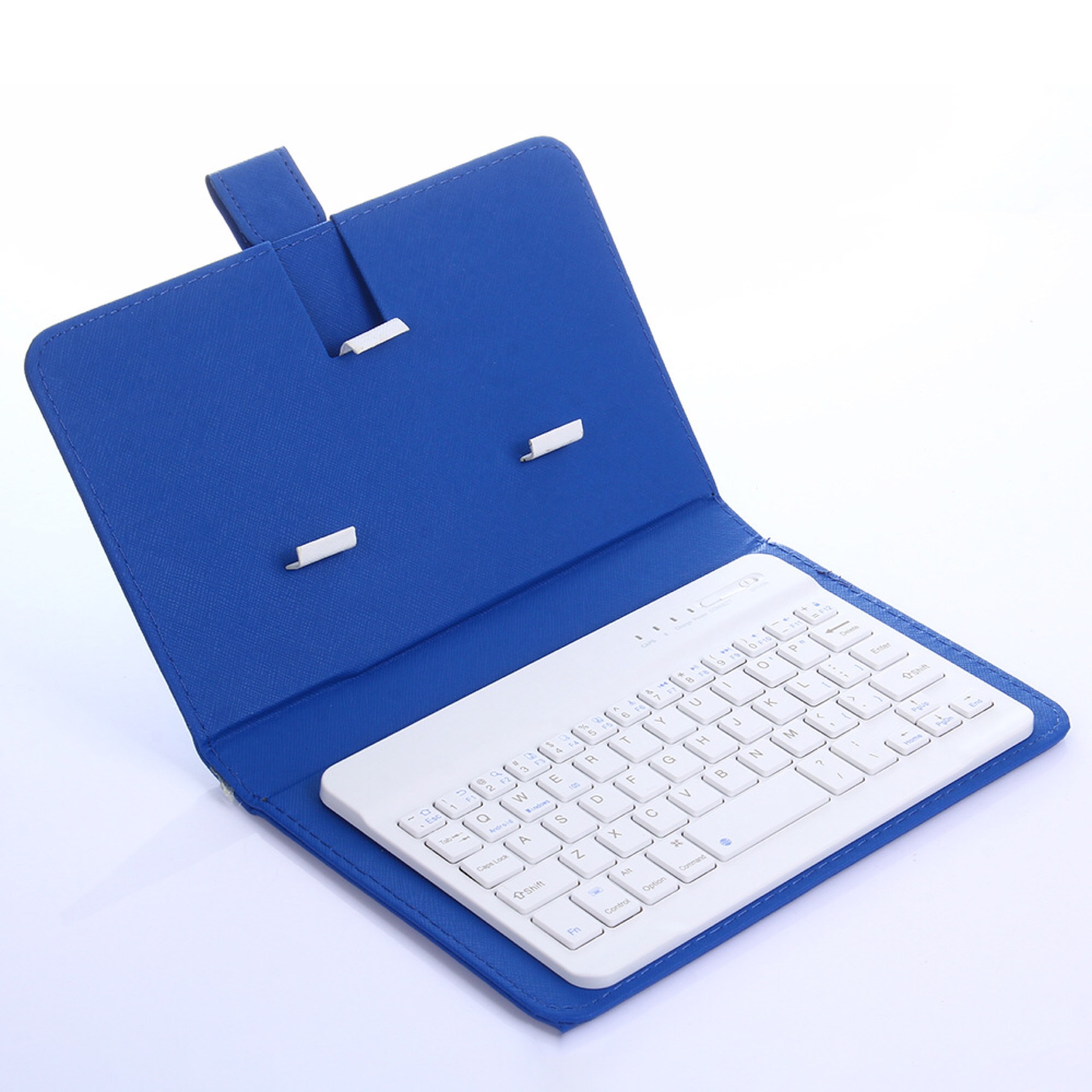
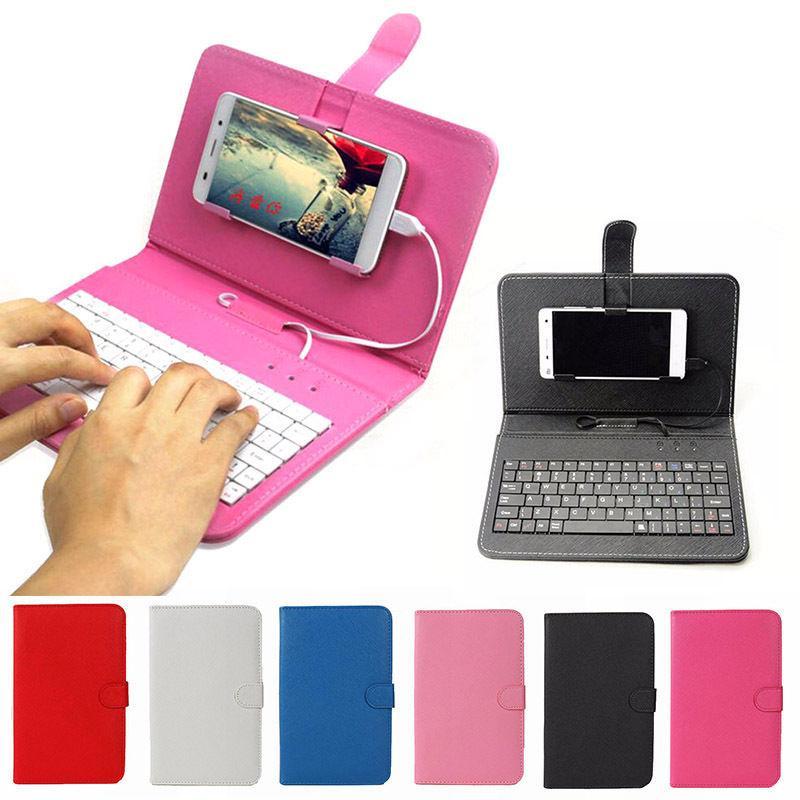
Ultra-Thin Mobile Phone Bluetooth Keyboard Leather Case
$7.06
$8.12Save 15%
Price in USD · Worldwide shipping available
Options— Default
🚚
Worldwide Shipping
No shipping methods available
🔒Secure & encrypted payment
✅ Genuine Product🔒 Secure Payment📞 24/7 Support🌍 Worldwide Shipping
Product Description
Product information:
1. Comply with Bluetooth 3.0+HS standard; including BQB, FCC, CE, ROHS and other related certifications;
2. The operating distance can reach more than 10M.
3. Modulation method: 2.4GHZ
4. Working voltage: 3.0-5V
5. Working current<4.0MA
6. Standby current 20UA
7. Sleep current <2μA
8. Charging current ≥100mA.
9. Standby time 100 days
10. Keystroke force: 80±10g
Instructions for use:
Step 1: Turn on the ON/OFF button
Step 2: Press the CONNECT button often, and the indicator light of the Bluetooth logo will flash
Step 3: Turn on the Bluetooth switch of the phone at this time, search for Bluetooth devices, the default name of the keyboard case is Bluetooth 3.0 Keyboard
Step 4: Click the Bluetooth 3.0 Keyboard on the tablet or mobile phone, and there will be a four-digit password that prompts you to enter it on the keyboard. For example, it prompts 1234 on the tablet. After pressing on the keyboard, press the Enter key to connect.